Free YouTube clip maker

Paste a link to one long video and up to 20 short clips come back, each captioned word by word and framed for a phone.

Sources run from 1 to 60 minutes on the free plan, and every clip downloads with no watermark.

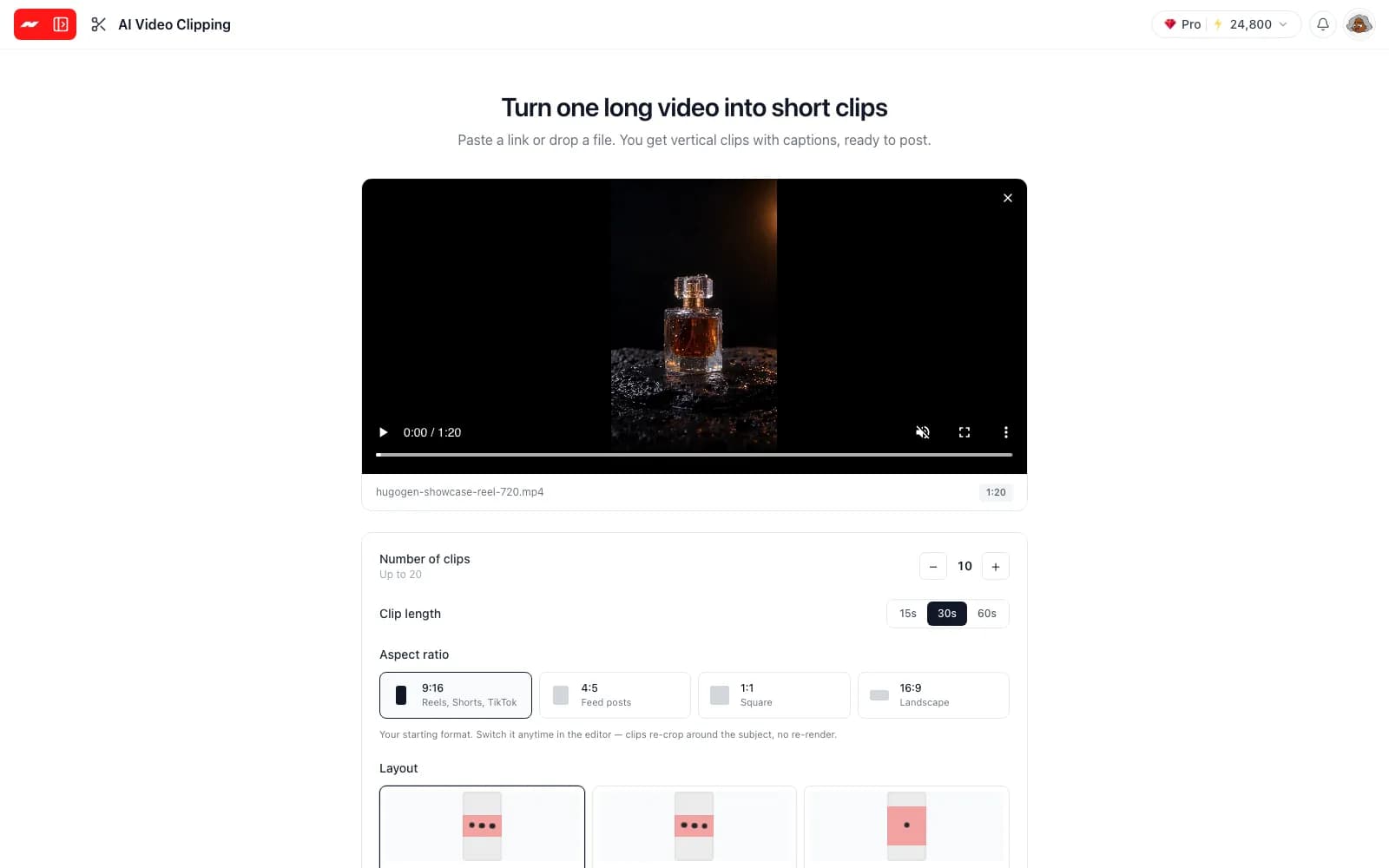
The Hugogen clipping screen with a video loaded from a pasted link, ready to be cut into clips

One watch page, up to twenty clips

Eight link sources, YouTube first

A YouTube link is fetched on Hugogen's servers, with no file to save first and nothing to upload. Links from TikTok, Instagram, Facebook, X, Vimeo and Twitch arrive the same way, and a direct link to a video file works as well. The source runs from 1 to 60 minutes on the free plan and up to 120 minutes on a paid plan.

See the AI video clipper for a long recording
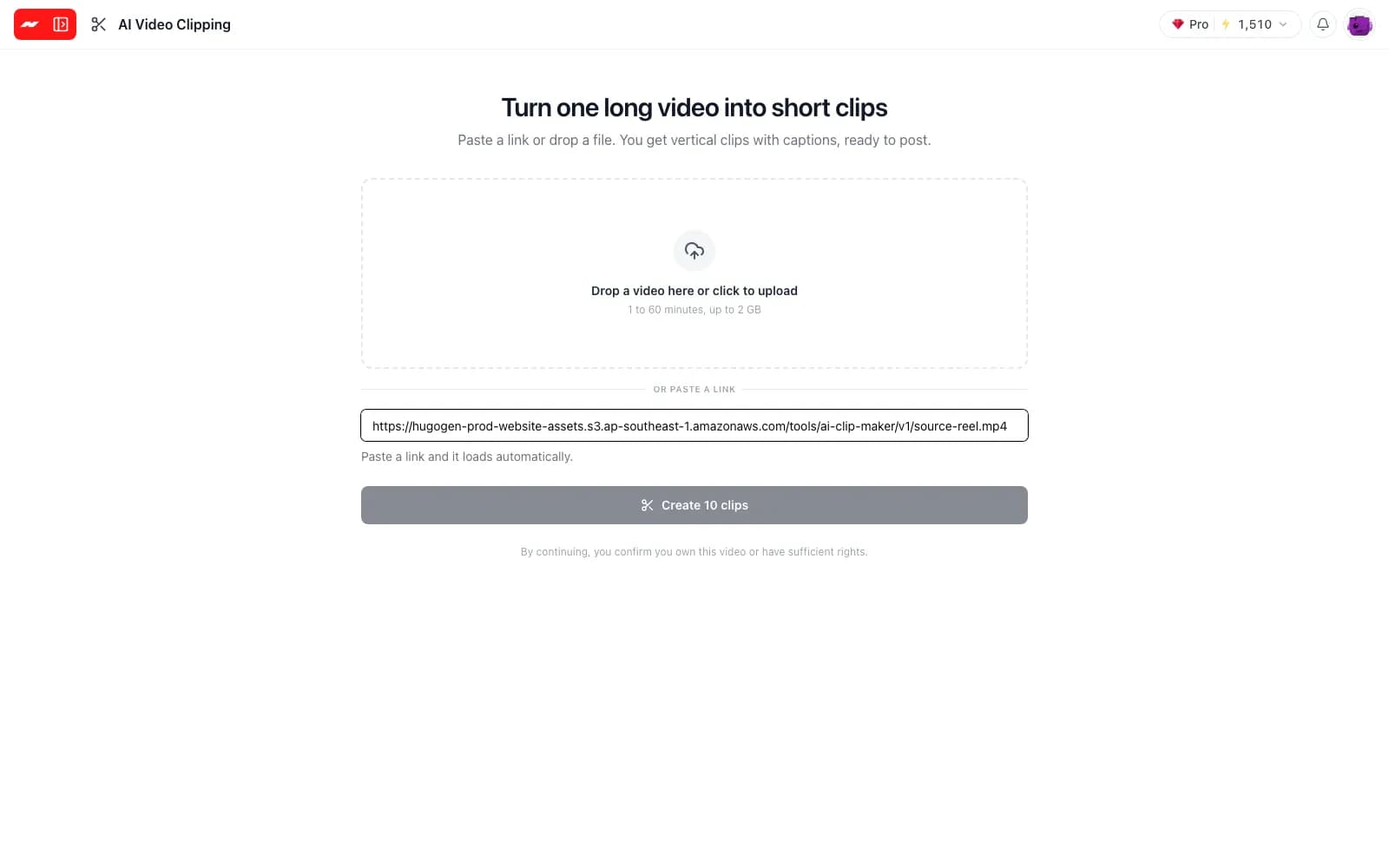
A video link typed into the link field on the AI clipping screen

A link YouTube refuses says why

A watch page blocking automated downloads comes back with the reason and one way round it, uploading the file instead. A video held back for a moment by the source asks for another try shortly after. A private, members-only, age-restricted or removed video cannot be opened at all, and neither can a live stream.

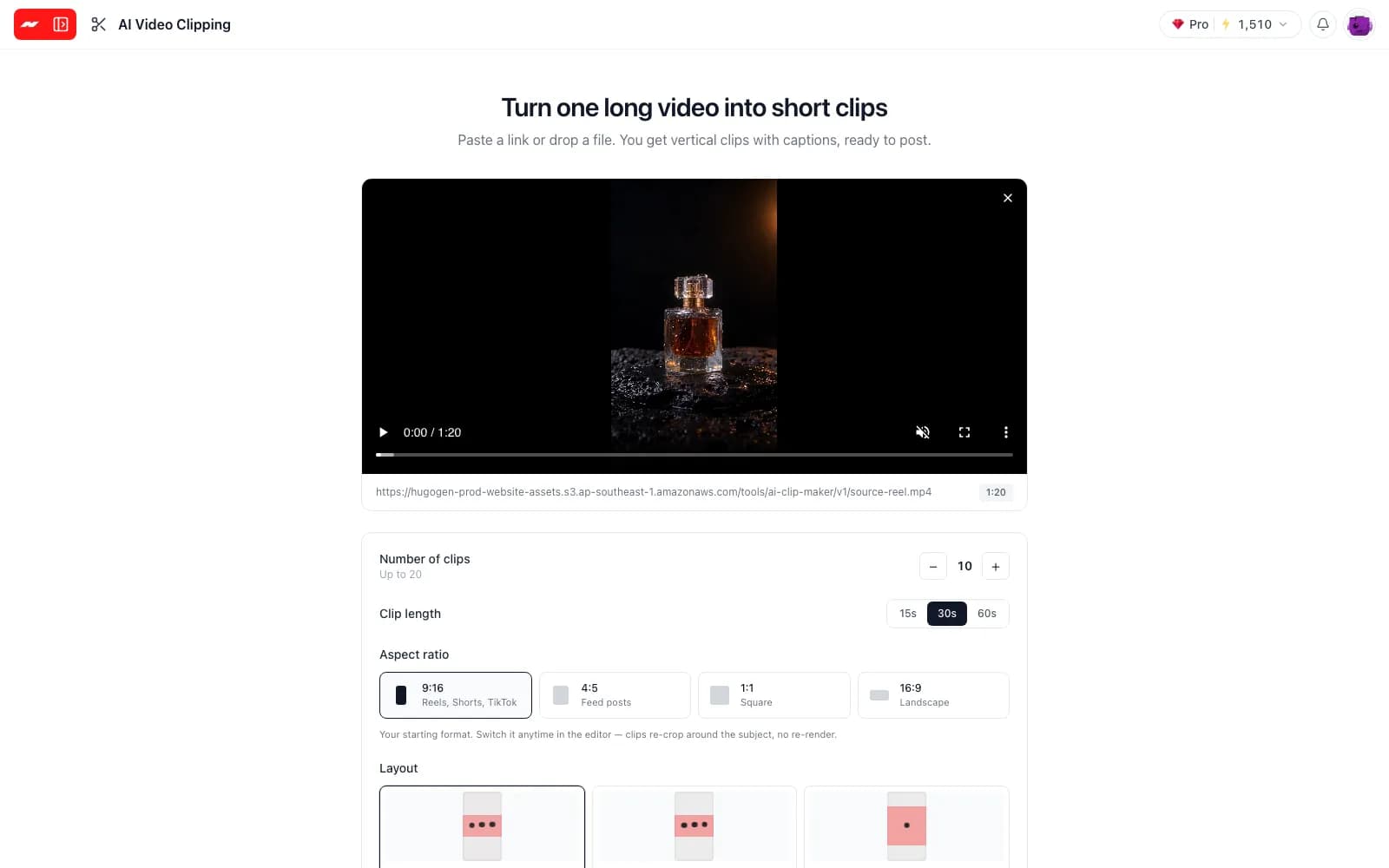
The Hugogen AI clipping screen with a video added and the number of clips, clip length and shape chosen

Clips come back editable, never flattened

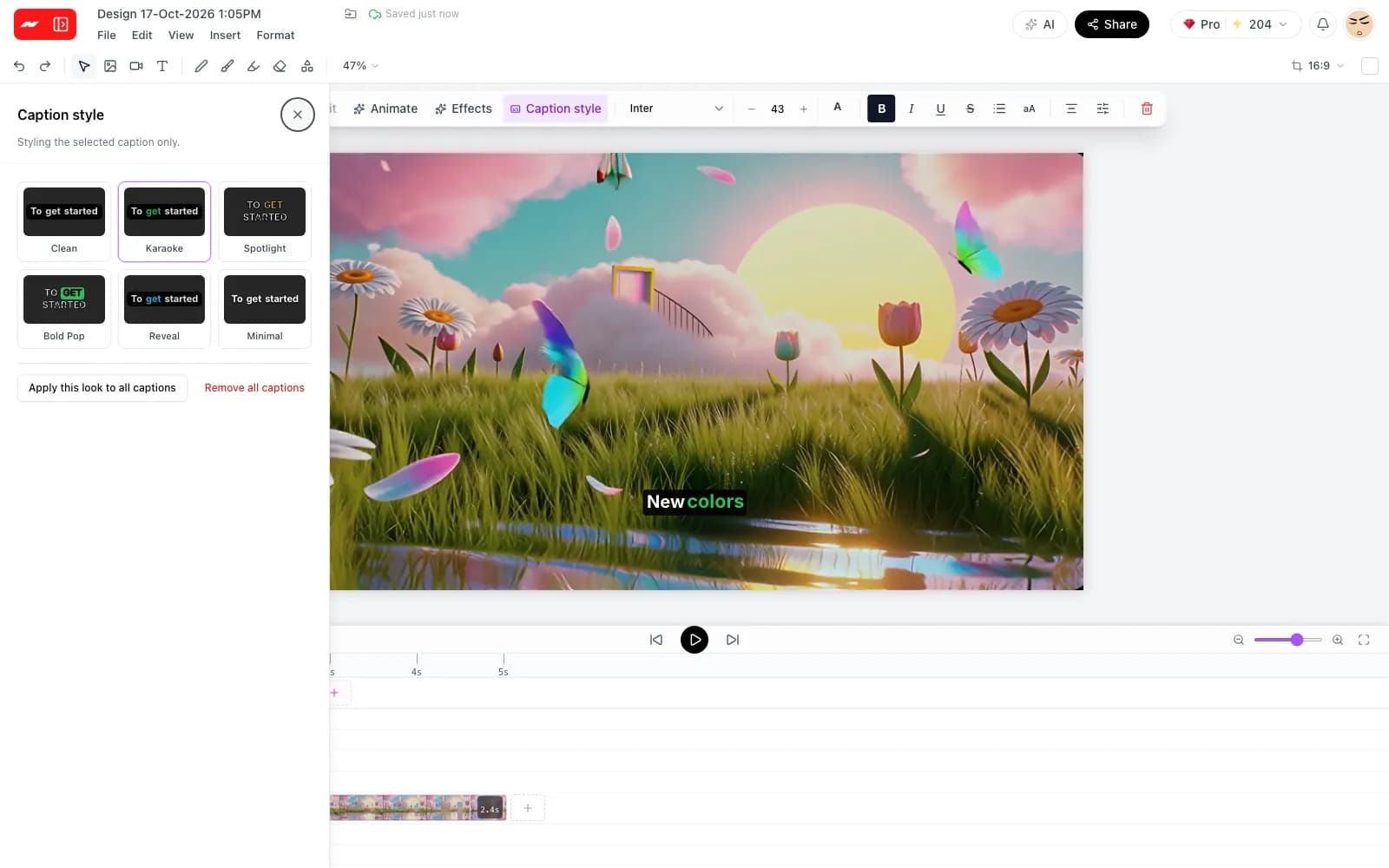
Every clip is a video project rather than a finished file: the trimmed source, a crop following the speaker, word-by-word captions and a hook title. Any clip opens on the timeline for a different caption style or a few seconds off an end. One clip downloads on any plan, and a paid plan queues every clip in one pass.

The caption style picker open over a clip in the Hugogen video editor

How to clip a YouTube video

  1. Step 1

    Paste the watch link

    Copy the link from the video and paste it into the clipper, or upload the file when a link is blocked.

  2. Step 2

    Choose the count and shape

    Set 1 to 20 clips at 15, 30 or 60 seconds, keep 9:16 for Shorts, and pick one of six caption styles.

  3. Step 3

    Edit, then download

    Open any clip to adjust it on the timeline, then download an MP4 at 720p on the free plan or 1080p on a paid plan.

Jobs one watch link finishes

Each job below begins with a link rather than a file, arrives named after the source video with its channel beside it, and leaves the original upload untouched.

A long interview
Twenty moments from one upload
A recorded talk
One idea in each clip
A weekly show
Shorts from every new episode
A tutorial series
The one step people replay
A channel moving into Shorts
Vertical clips from a landscape archive

More free tools from Hugogen

Questions and answers

Paste the watch link, set a number of clips and a length, and the AI reads the speech, picks the strongest moments and builds each one. Every clip arrives with a title, the reason for the pick, keywords and a virality score out of ten.

Nothing is saved on the person's own machine. The link is fetched on Hugogen's servers at up to 720p, and the clips are built from the fetched copy. Uploading a file is the way in when a link cannot be fetched.

Links from TikTok, Instagram, Facebook, X, Vimeo and Twitch are all accepted, and a direct link to a video file works as well. The eight sources are listed under the input on the clipping screen.

Three reasons cover nearly every case. A watch page can block automated downloads, and uploading the file gets past it. A video can be held back by the source for a while, and another try shortly after usually works. A private, members-only, age-restricted or removed video cannot be opened, and a live stream is refused.

A confirmation of ownership or sufficient rights is asked for before a job starts. Permission from the channel owner, or footage already cleared for use, is on the person posting the clip rather than on the tool.

The watch page is read before any download, and the job arrives named after the source video with the channel beside it. A run of jobs stays readable weeks later, because each one carries the name of the video it came from.

From 1 to 60 minutes on the free plan, and from 1 to 120 minutes on a paid plan. The input prints the limits of the plan in force, together with its file ceiling of 2 GB on the free plan and 5 GB on a paid plan.

Clipping is included on the free plan, and a new account needs no card. The price of a job shows before it starts, charged by the minute of source video, and a job refunds itself if it fails.

One clip at a time downloads on any plan from the clip's own page. A paid plan opens a panel listing every clip with a resolution choice, queues them and saves the files one after another, with no archive to unpack.

Turn one watch link into a week of Shorts

Paste the link, choose how many clips to cut, and download each one with no watermark.

Clip a YouTube video