Free AI caption generator for videos

Pick a clip, press Auto-caption, and the speech turns into captions timed to every word, styled for short vertical videos and ready to fix or restyle.

Included on the free plan. The spoken language is found automatically, and exports carry no watermark.

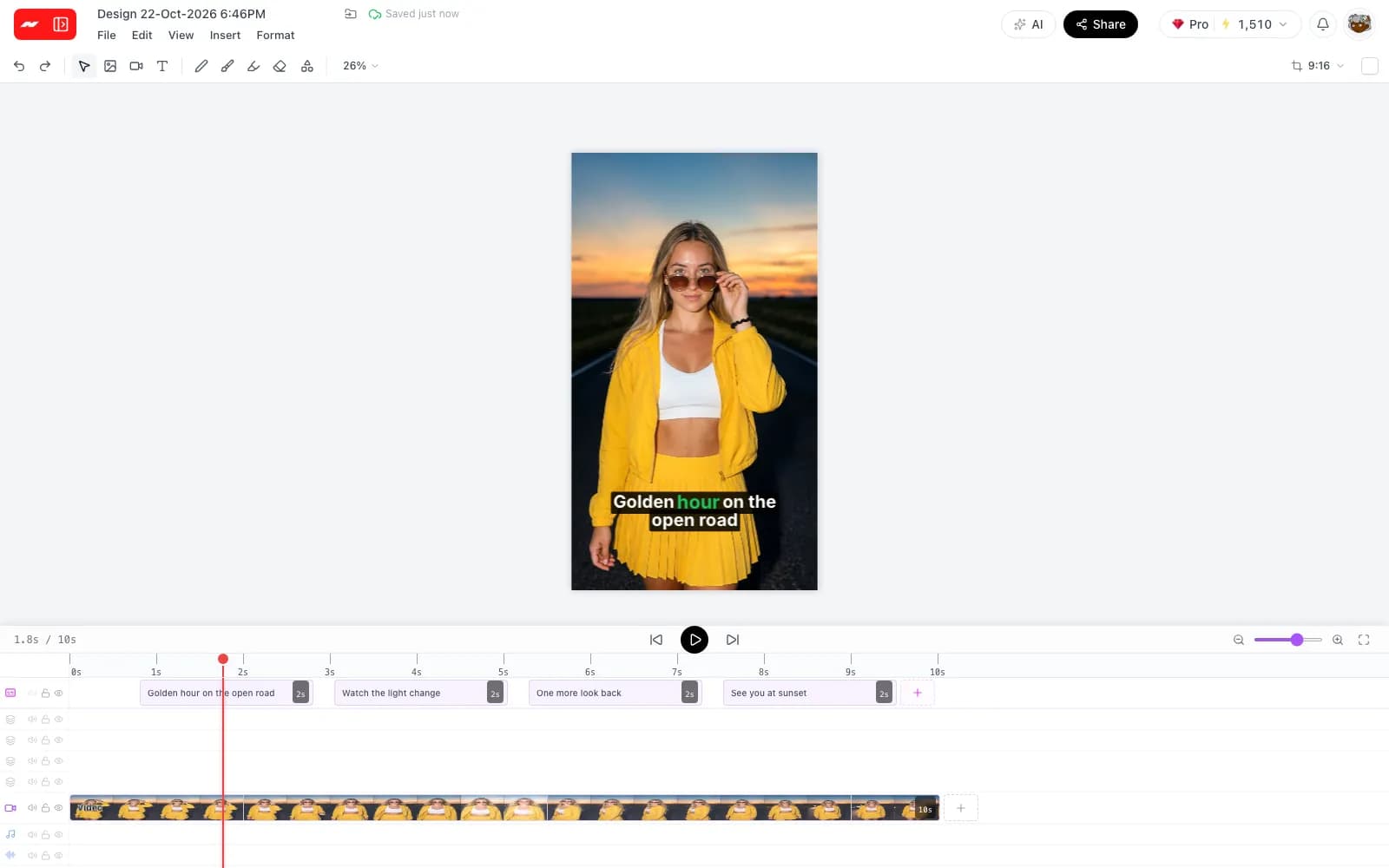
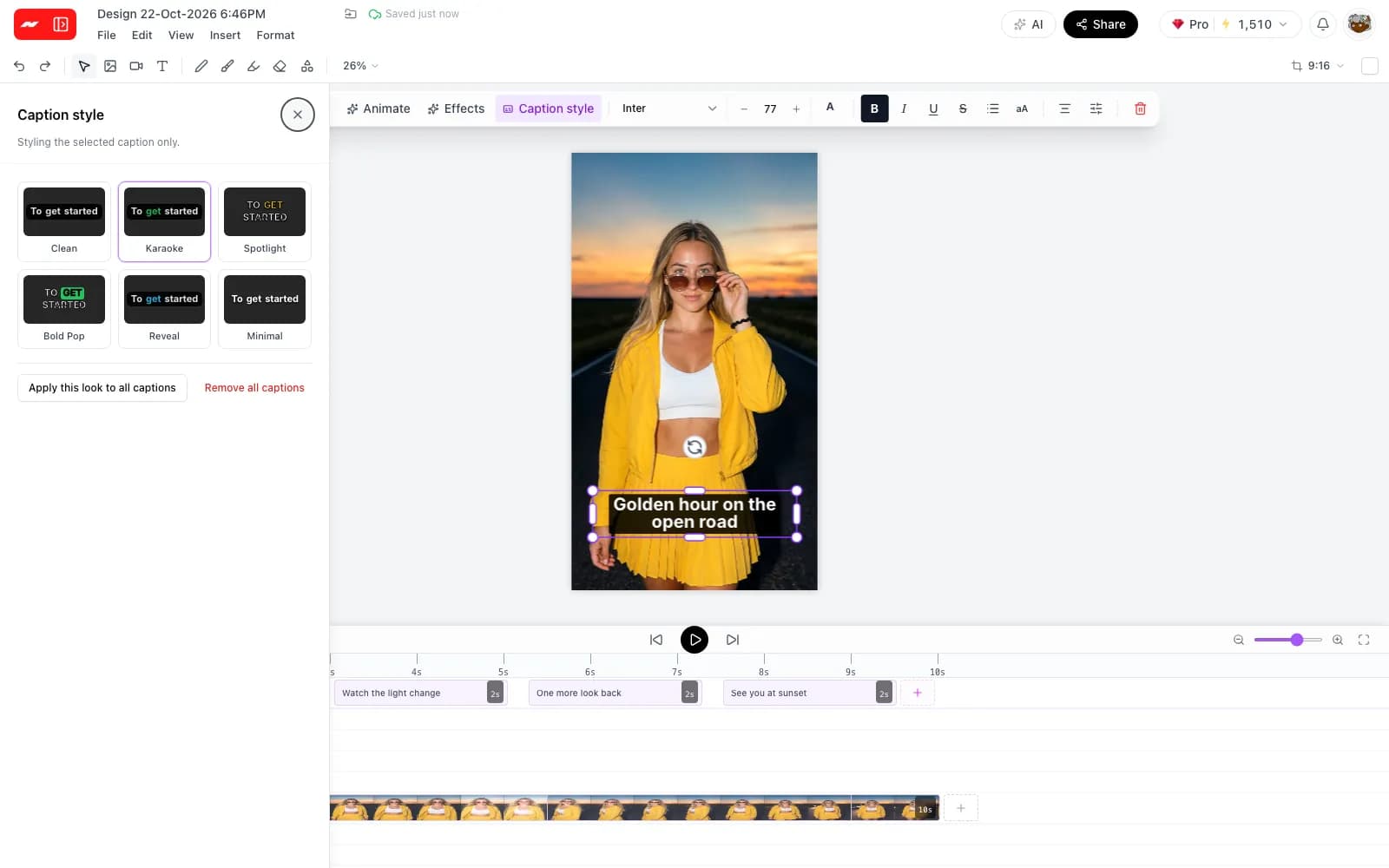
Karaoke captions over a vertical video in the Hugogen video editor, with the spoken word in green

Captions written from the speech in a clip

Speech turned into captions word by word

Select a clip on the timeline and press Auto-caption. The AI listens to the speech, works out the language on its own, and writes captions timed to each word in short lines of up to six words. Silence and music are skipped.

Long video? The AI video clipper captions every clip
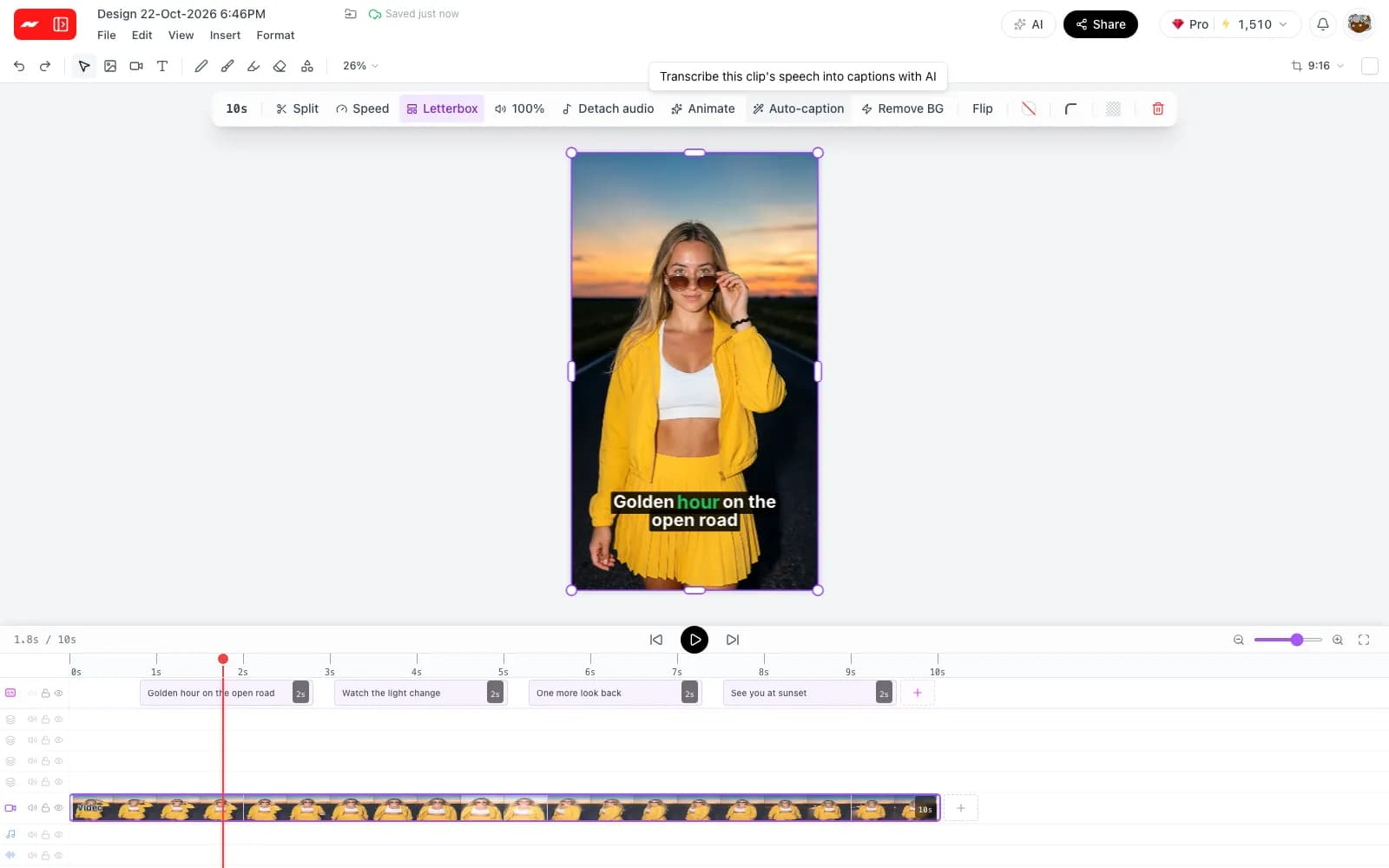
The Auto-caption button on the toolbar of a selected clip in the video editor

Six animated caption styles

Clean and Minimal hold still. Karaoke colours each word as it is spoken, Spotlight and Bold Pop set the spoken word in a bright highlight on capital letters, and Reveal brings the words in one at a time.

The caption style sheet showing Clean, Karaoke, Spotlight, Bold Pop, Reveal and Minimal

One look on every caption in one click

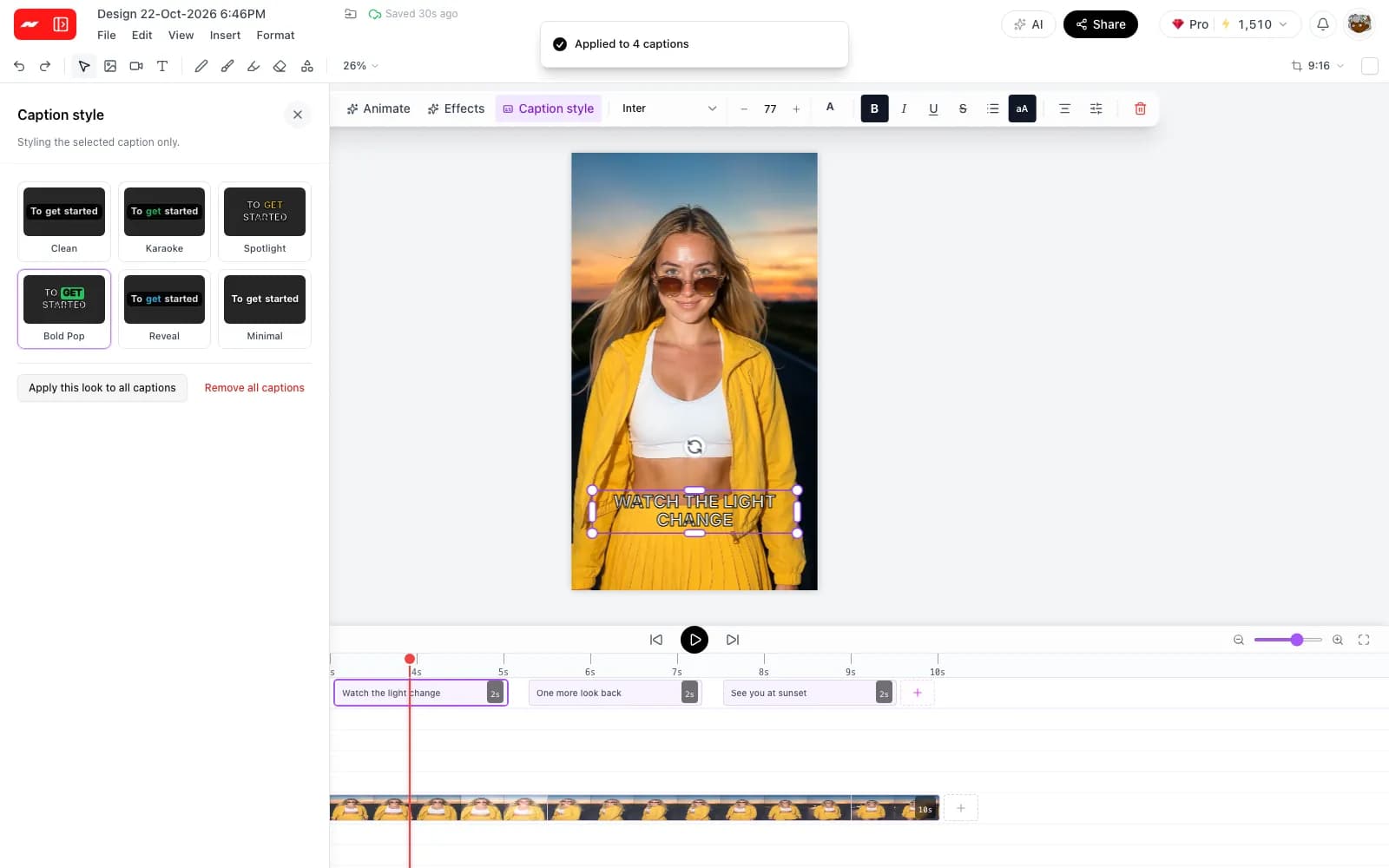
Restyle one caption, then press Apply this look to all captions to copy its style, size and colour to the rest of the video. Karaoke is the starting look for every new caption.

Bold Pop applied to every caption, with a note reading Applied to 4 captions

Give one line its own look

Any single caption can carry a different style, such as Spotlight on the line to stress. Double-click a caption to correct a misheard word or a name, and the timing of each word follows the edit.

Subtitles for any video: add subtitles to video
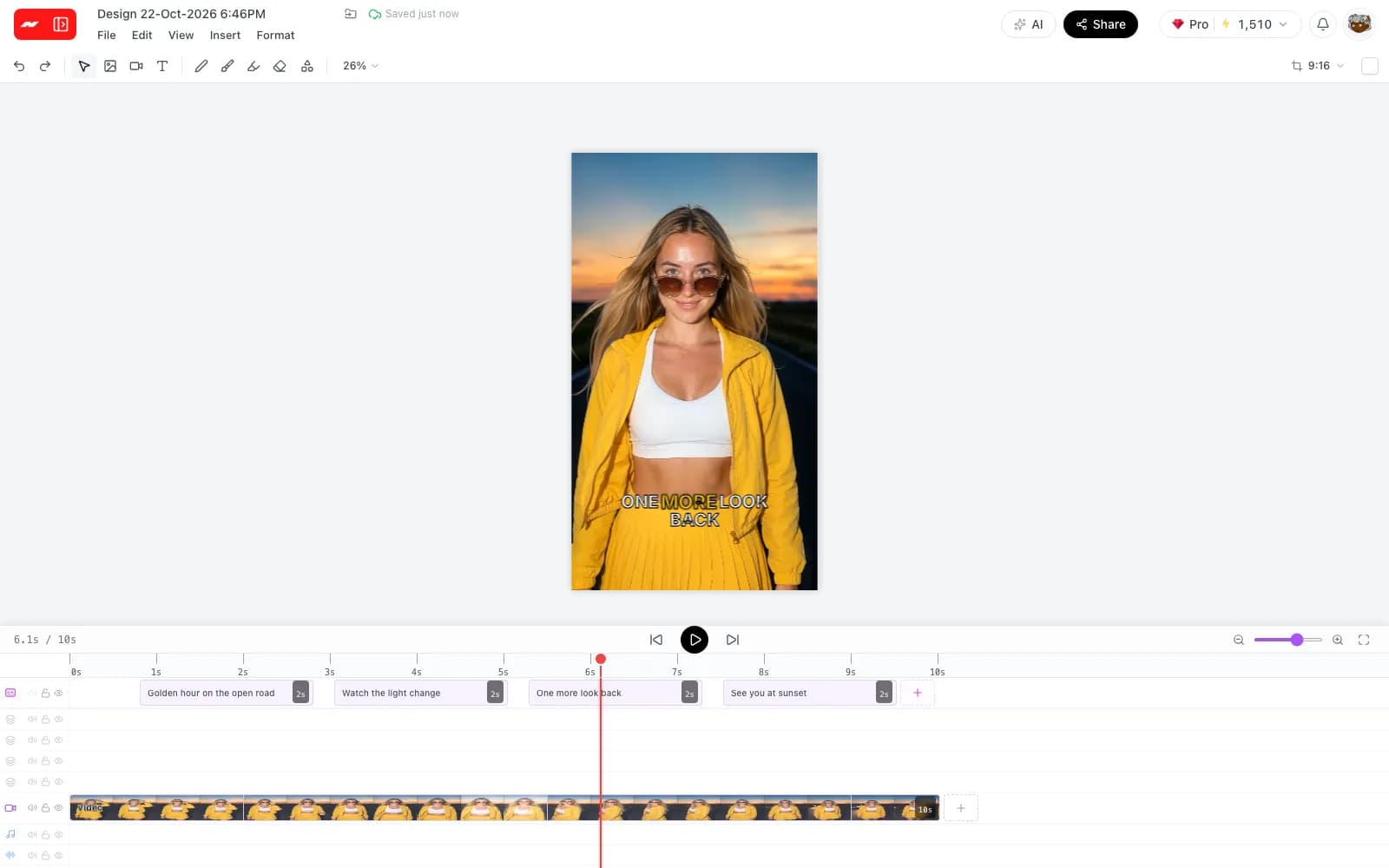
One caption in the Spotlight style over a vertical video, its spoken word in yellow

How to add AI captions to a video

  1. Step 1

    Place a clip with speech

    Open the video editor, upload a clip with someone talking and place it on the timeline.

  2. Step 2

    Press Auto-caption

    Select the clip and press Auto-caption. The captions land on their own track when the run finishes.

  3. Step 3

    Style and download

    Choose one of the six styles, fix any word, and download the finished video as an MP4 file.

Made for anyone posting talking videos

Captions keep a video clear when it plays on mute, the way most people scroll through Reels, Shorts and TikTok.

TikTok and Reels creators
captions readable with the sound off
YouTube Shorts
word-by-word lines on a vertical frame
Podcasters
short clips with every word on screen
Coaches and teachers
tips easier to follow at a glance
Brands and shops
product talks with bold captions
Social media managers
one caption look across a series

More free tools from Hugogen

Questions and answers

The AI listens to the speech in the selected clip and writes captions timed to each spoken word. Lines break at the end of a sentence or at a pause, with no more than six words on a line.

The spoken language is found automatically, with no setting to choose. The captions come out in the language spoken in the clip.

Every caption can be edited. Double-click one to change its words, drag it to a new spot on the frame, or delete it, and every change can be undone.

Six styles come built in: Clean, Karaoke, Spotlight, Bold Pop, Reveal and Minimal. Karaoke is the default, and any caption can switch style at any time.

The AI chat in Hugogen can draft the text of a post caption, for example three short versions for an Instagram post. The video captions and the post text are made in separate places.

Auto-caption is included on the free plan, and signing up needs no card. Captions use credits by the minute of video, a long clip asks before it starts, and a failed run is refunded.

The AI skips silence and music and writes captions only for speech. A clip with no speech at all ends with a short note saying no speech was found.

Captioned videos export as MP4 with the captions in the picture and no Hugogen watermark, on the free plan and on paid plans.

Add AI captions to the next video

Upload a clip, press Auto-caption and download an MP4 with word-by-word captions and no watermark.

Generate captions free