Editing & Tools
Top 6 CapCut alternatives in 2026
admin
October 13, 2026 · 8 min read · Updated October 13, 2026
CapCut is still the best free video editor on a phone, and for a lot of people the honest answer is to stay on it. People look for an alternative anyway for three specific reasons, and each one points at a different tool.
Every price below was read from the vendor's own pricing page on 14 October 2026. Where a vendor's page would not say something, this article says so rather than filling the gap with a guess.
Why people are looking
The price moved. CapCut Pro is $19.99 a month or $179.99 a year. That is roughly double what many people remember paying, and the live pricing page now also meters AI generation in monthly credits on top of the subscription.
The price is not one price. CapCut's own page puts it plainly: "Prices can vary by region, platform (mobile, desktop, or web), taxes, and promotional discounts." Buying through an app store and buying on the web are different numbers, and so are different countries. If a figure you were quoted never matched your own checkout screen, that is why.
The terms. CapCut's licence over what you upload is broad. It has its own section near the end of this article rather than a bullet here, because it is the part most often reported badly.
This is not a ranking
These six tools do different jobs. Sorting them one to six would be a worse answer than saying which job each one is for.
Editing footage you already have. You shot it, recorded it or screen-captured it, and you need to cut it.
Making footage that does not exist yet. A prompt or a product photo becomes a clip.
Turning one long video into short ones. A podcast, an interview or a stream becomes a dozen vertical clips.
Most tools do one of these well and the other two badly, and most lists never say which.
1. CapCut, which is still very good
Start here, because for many people nothing is wrong with CapCut.
The free version is the editor, on desktop, mobile and web. Not a trial, not a cut-down version with the good parts greyed out. The phone app in particular is the best mobile video editor available, and nothing else in this article comes close to it on a phone.
Pro buys the premium template, transition, filter, font and sticker library, the advanced AI tools, motion tracking, noise reduction and background removal, around a terabyte of cloud storage, and priority support. $19.99 a month, $179.99 a year, Team from $24.99 a month, and all of those vary by where and how you buy.
One thing this article will not tell you: CapCut's free export ceiling. Their comparison page and their pricing page describe the plans differently, and the comparison page now says both tiers can save at 8K while saying nothing about watermarks at all. There is no figure here we would stand behind, so there is no figure here. Check it on your own account before it matters to you.
The real limitation is structural rather than a missing feature. CapCut does not generate video from a prompt inside the editor; ByteDance puts that in a sibling app. So the generated clip and the edit are two products and two files.
2. Hugogen, for generating and editing in one place
Hugogen is the tool we build, and this is its section, so here is what it does and what it does not.
What nothing else on this list does: generating footage, cutting it on a multi-track timeline and exporting it are the same project file. Write a prompt, the clip lands on the timeline, trim it next to the footage you shot yourself, export an MP4 with no watermark. There is no step where you download from one tool and upload to another.
The free plan does all of that. 500 credits per seat, up to ten seats, pooled across the workspace, no card.
In practice 500 credits is about ten seconds of generated 720p video, or about eleven minutes of source video put through clipping. Not both. Most tools on this list refresh a larger allowance every month. If the plan is to generate video regularly without paying, Hugogen is not the answer, and that is better known now than three days in.
Paid is $8 per seat per month for 5,000 credits, which is the cheapest paid tier in this comparison and the only one under $10 billed monthly with no annual commitment. Business is $17 per seat for 15,000.
What Hugogen does not have currently in the features, no mobile app, avatars, voice generation, brand kits & community templates will be available in the future.
3. DaVinci Resolve, the one nobody tells beginners about
If you want a real editor and no subscription, this is the answer, and it has been for years.
The free version is not a trial and carries no watermark and no time limit. Blackmagic's own page puts it at "virtually all 8-bit video formats at up to 60fps in resolutions as high as Ultra HD 3840 x 2160", with multi-user collaboration and HDR grading included. That is a professional edit, colour, audio and effects suite, given away.
Studio is $295, paid once, not a subscription. It adds the Neural Engine features, noise reduction, magic mask, text-based editing, and 10-bit up to 120fps beyond 4K.
The catch is the learning curve, and it is real. Resolve is built for people who edit for a living and every panel shows it. If CapCut feels like a phone app, Resolve feels like a desk.
4. Clipchamp, the simplest free one
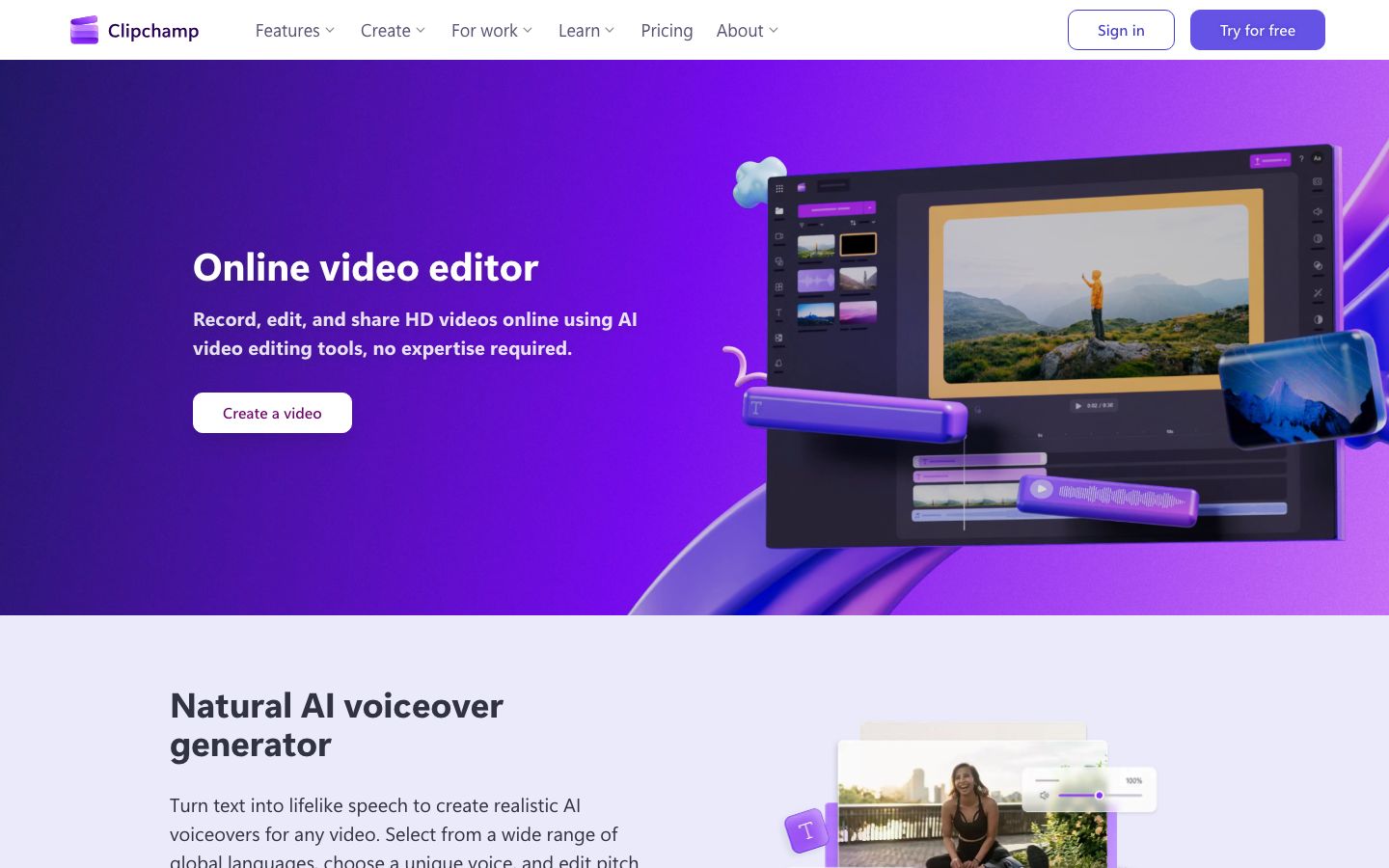
Microsoft's browser editor, and the easiest thing here to start using with no experience.
Free gets you watermark-free exports at up to 1080p, which is a combination most free tiers will not give you.
The change worth knowing: there is no Clipchamp subscription any more. Their pricing page says premium features "are now included with Microsoft 365 Personal and Family plans". So the answer to what Clipchamp Premium costs is now $99.99 a year for Microsoft 365 Personal, or $129.99 for Family, and anyone already paying for Office already has it. That buys 4K export, premium stock and the brand kit tool.
5. VEED, for voice, avatars and translation
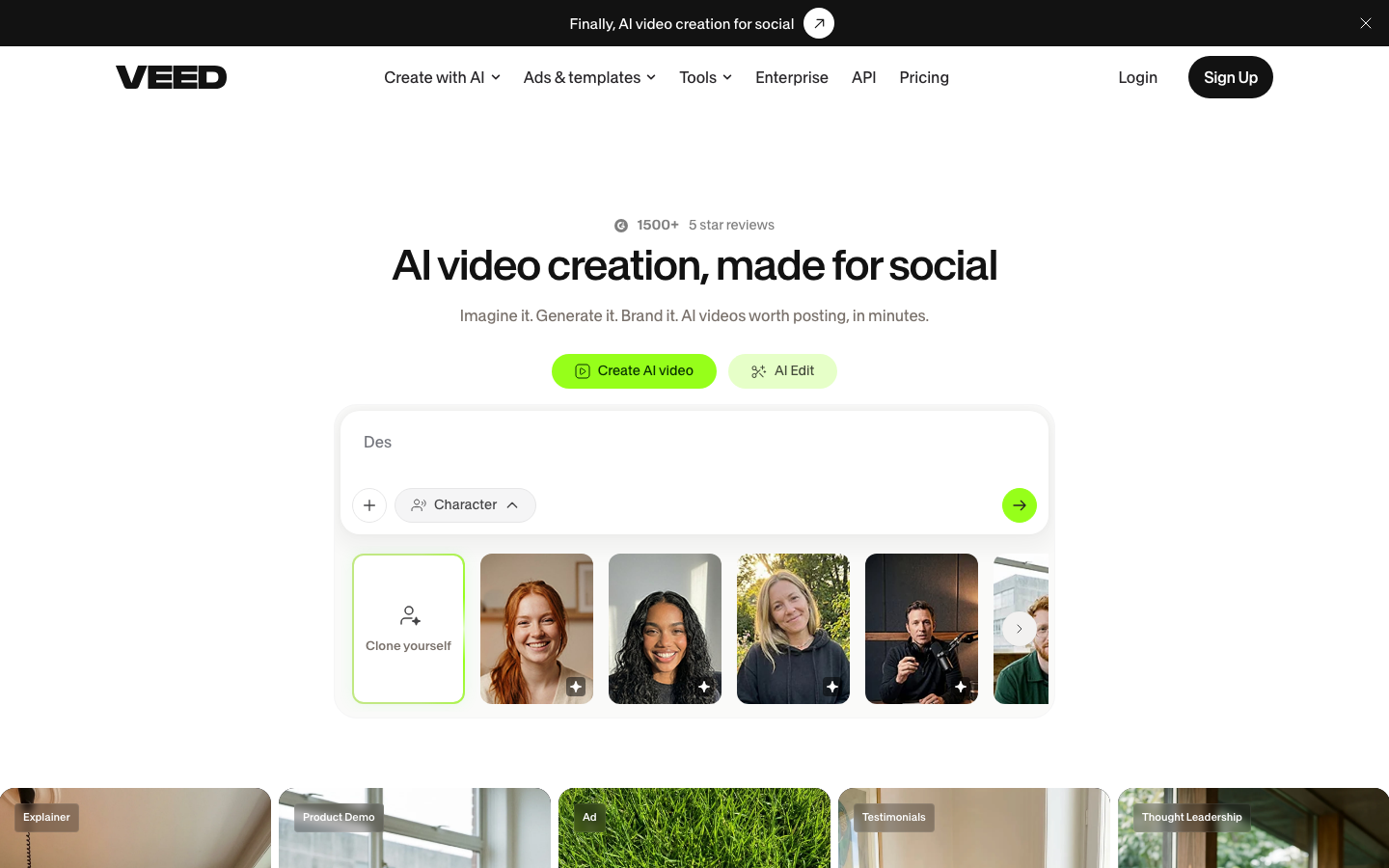
A browser editor built around a team, and the place on this list where several things Hugogen does not have are done well: AI avatars and lip sync, generated voice, translation and dubbing into 50+ languages, and 4K export.
The pricing is honest about what it is. There is no free plan card on their page at all. Creator is $10 per user per month billed yearly ($116), with 6,000 credits and no watermark. Pro is $21 ($257) with 30,000 credits, brand kits and up to 144 hours a year of AI voice. Studio is $35 ($414) with 180,000 credits.
Those are per user and billed yearly, which is the number to watch for a team. Three seats of Creator is $348 a year, committed up front.
6. Descript, which edits video like a document
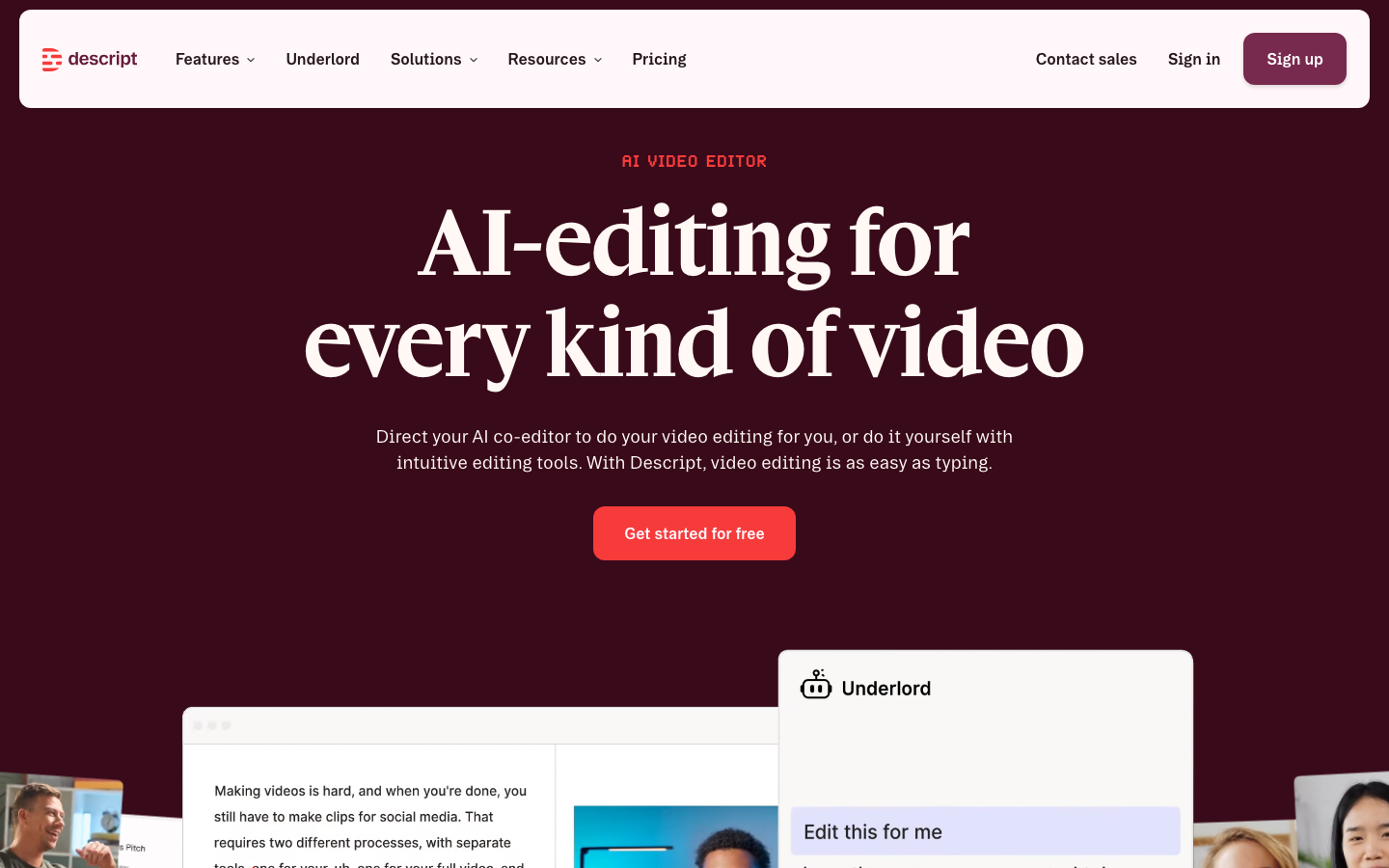
The genuinely different idea on this list. Descript transcribes your video and then lets you edit the video by editing the transcript. Delete a sentence and the footage goes with it. For talking-head video, interviews and podcasts it is faster than a timeline, and it is not close.
The free plan is a demonstration rather than a tool: 60 minutes of transcription a month, 720p export, and a watermark. Paid starts around $16 a month billed annually for 1080p without the watermark, with the 4K tier around $24 and a business tier above that carrying translation, dubbing and custom avatars.
If your video is mostly somebody talking, try this before anything else here.
The free tiers, side by side
The only table in this article, because this is the only question where a table beats a sentence.
| Tool | Free tier | Watermark on free | Cheapest paid |
|---|---|---|---|
| CapCut | Full editor, desktop, mobile and web | Their page does not say | $19.99 a month |
| Hugogen | 500 credits once, no refresh, full timeline | No | $8 per seat a month |
| DaVinci Resolve | The full suite, up to UHD at 60fps | No | $295 once |
| Clipchamp | Up to 1080p | No | Inside Microsoft 365, $99.99 a year |
| VEED | No free plan card | n/a | $10 per user a month, billed yearly |
| Descript | 60 minutes a month, 720p | Yes | About $16 a month, billed annually |
Prices are US list, read on 14 October 2026. CapCut's own page warns that its prices vary by region, platform, tax and promotion, and that warning applies to about half this list.
The content licence question, properly
This is the reason many people started looking for a CapCut alternative, and it gets reported badly in both directions. Here is what can actually be sourced.
CapCut's own explainer page confirms that the words "irrevocable" and "perpetual" are in its terms, and explains them: once a template is shared and remixed by other people, every instance of that reuse cannot be undone. The same page states that CapCut "has never claimed ownership of users' work", and says the June 2025 update involved third-party clarifications and regional regulatory changes rather than a change to the user-content section.
The reporting disagrees with that characterisation, consistently and in detail, quoting a licence that is unconditional, irrevocable, royalty-free, fully transferable, sublicensable, perpetual and worldwide, and extending to a person's face and voice.
We could not read the full Terms of Service document to settle it. The URL it was expected at returns a marketing page. So both versions are here, with both linked, rather than the one that suits us.
Two things are worth saying plainly.
This is not unique to CapCut. The same reporting that criticises these terms names TikTok, YouTube, Instagram, Canva and Adobe as carrying similar clauses. If broad content licences are a dealbreaker for you, that is a reasonable position, and it rules out most of the internet rather than one app.
Hugogen's terms are not clean either. Hugogen takes a worldwide, non-exclusive, royalty-free, sublicensable licence over what you upload, and does train on user content. Two differences are real and checkable: the licence is not perpetual and not irrevocable, and it is scoped in the text to providing, securing and improving the service rather than being open-ended. Read section 5 and decide for yourself, which is more useful than taking anyone's word for it.
CapCut's own explanation of its terms and Hugogen's terms.
So which one
You edit on a phone. CapCut. Nothing here beats it.
You want a real editor and no subscription. DaVinci Resolve, and budget a weekend to learn it.
You have never edited video and want to start in a browser. Clipchamp. 1080p, no watermark, nothing to install.
Your video is mostly somebody talking. Descript.
You need avatars, generated voice or translation. VEED.
You want to generate footage and cut it in the same place. Hugogen, as long as a one-time free allowance is enough to try it on.
Prices, free-tier limits and plan names in this category change constantly. Everything here was read on 14 October 2026; check the linked pages before relying on a number.
Try it on your own footage
The Free plan needs no credit card. Bring a long video and see what comes back.