Editing & Tools
Canva Alternatives 2026 for Designer
admin
October 14, 2026 · 9 min read · Updated October 14, 2026
Canva is still the right answer for most people, and the honest version of this article says that first. 1.6 million templates, an editor anyone can use in ten minutes, and a free plan that is not a trial. If that is what you need, nothing below beats it.
People look elsewhere for four specific reasons, and each one points at a different tool.
Every price here was read from the vendor's own pricing page on 14 October 2026.
Quick verdict
| Tool | Best for | What the AI does | Free plan |
|---|---|---|---|
| Canva | Templates, speed, everyone | Edits and fills in | Huge library microstocks |
| Hugogen | Generating and editing in one project | Drafts whole pages | 500 credits, granted once |
| Moda | AI design with a real canvas | Drafts whole pages | 500 credits a month |
| Gamma | Decks from a prompt | Writes and designs the deck | Credits, see their page |
| Figma | Professional design and prototyping | Assists, mostly | Unlimited drafts, 500 AI credits a month |
Why people look
The AI allowance, not the price. Canva Free is an enormous library with a very small AI budget: up to 20 Standard or Premium AI uses. Pro is US$144 a year for one person and buys "10x more AI than Canva Free", with an AI Pass add-on at extra cost on top of that. If the AI is the reason you are there, the free plan runs out fast.
Seat maths. Canva Business is US$250 a year per person. For a team of three that is $750 a year before anyone makes anything.
The template look. Starting from the same 1.6 million templates as everyone else produces work that looks like everyone else's.
Wanting more of the first draft made for you. Not "remove this background" but "here is the brief, draft the pages".
These are three different products
Worth saying before the list, because otherwise one of the sections below reads as a category error.
Design tools. Canva, Hugogen and Moda. You describe or assemble a visual asset and leave with a file.
A presentation generator. Gamma. You describe a deck and leave with a deck.
A professional design tool. Figma. Interfaces, prototypes, design systems, and a free tier aimed at people who do this for a living.
Someone looking to replace Canva for social posts and someone looking to replace it for product design are not the same person, and a list that pretends otherwise is not useful to either.
1. Canva
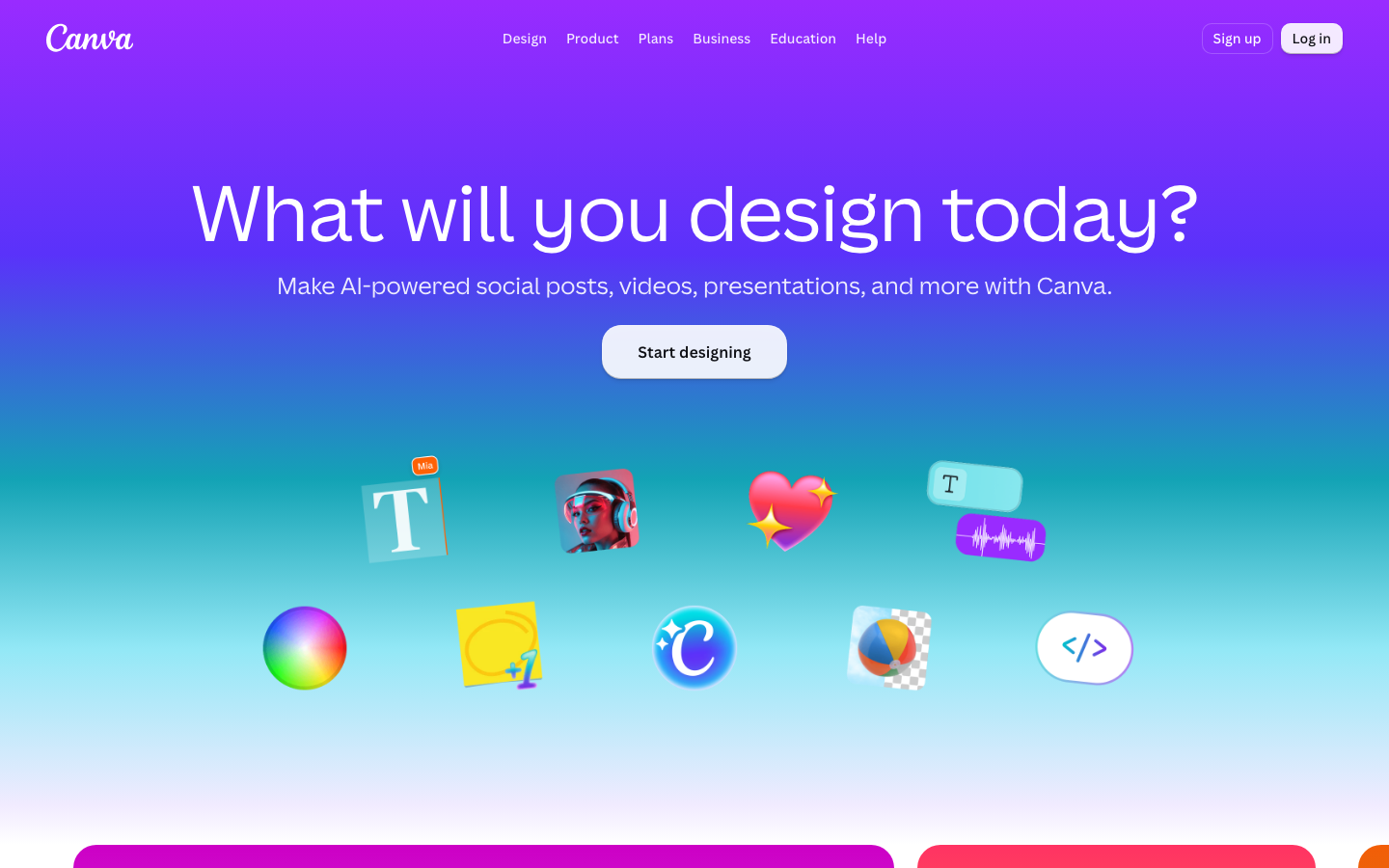
The default, and for good reasons.
Free gets the drag-and-drop editor and 1,000+ design types, 1.6M+ templates, 4.7M+ photos, videos, graphics and audio, 5 GB of storage, and one Brand Kit limited to three colours. Nothing else here comes close on library size, and for most social posts, decks and flyers the library is the product.
Pro is US$144 a year for one person: AI tools, 3.6M+ templates, 141M+ premium assets, 5 Brand Kits, social scheduling, 100 GB of storage. Business is US$250 a year per person and adds collaboration and team admin.
The limit worth knowing is the AI one. Free gives up to 20 Standard or Premium AI uses. Pro is described on their own page as "10x more AI than Canva Free", and there is an AI Pass add-on at extra cost above that. So AI on Canva is a metered add-on to a library, rather than the thing the product is built around.
Prices above are the yearly rates from their US pricing page. The page's own toggle says yearly saves from 16%, so monthly is higher.
2. Hugogen
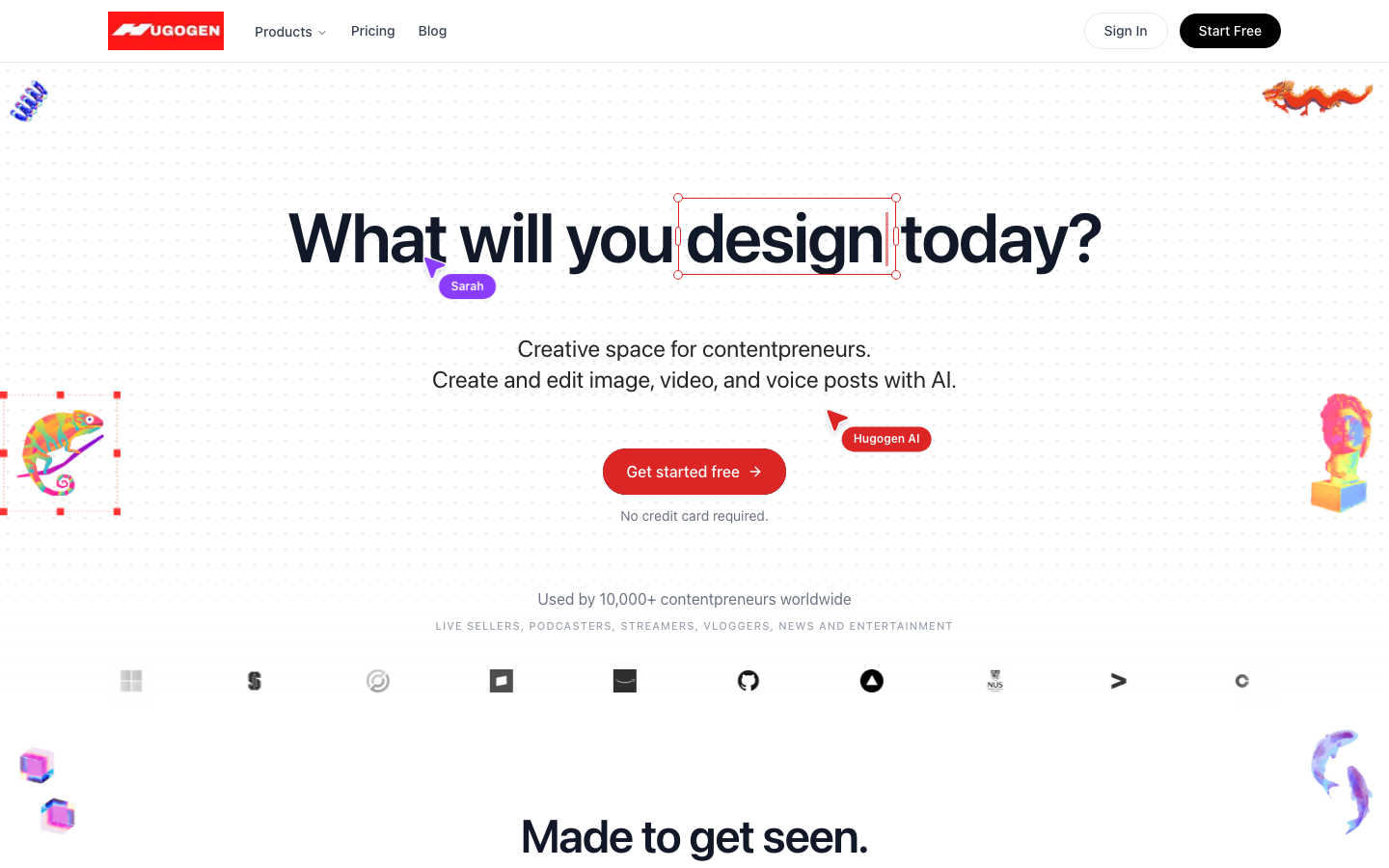
Hugogen is the tool we build. What it is built for is one loop: describe what you need, get a full draft of composed pages, edit every element of it on a real canvas, export.
The draft is not a template fill. A brief goes through planning, a look at whatever photos you attached, an art-direction pass, layout, then a review pass over the finished document. What comes back is editable: text, images, shapes, layers, tables, fonts, animation. The video timeline is the same surface, so a social post and the clip that goes with it are one project rather than two tools.
Real-time collaboration is on for everyone, including Free. Multiple cursors, live presence, shared editing. It is not held back for a paid tier.
Exports carry no watermark on any plan. Including Free.
The free plan ideally is for trying the product and making things for yourself. Client work, business social posts and anything commercial need Pro, which is $8 a seat a month, or Business at $17.
The free allowance is 500 credits per seat, up to ten seats, pooled across the workspace, granted once and not refreshed. Moda below gives the same 500 and refreshes them every month. That is a real difference and it goes in their favour.
Future release will include brand kits, micro stocks, public share link for a design, so a design is shared by inviting someone rather than by sending a URL.
Paid is $8 a seat a month for 5,000 credits, which is the cheapest entry on this list by some distance.
3. Moda
The closest thing on this list to what Hugogen does, and the free plan is better.
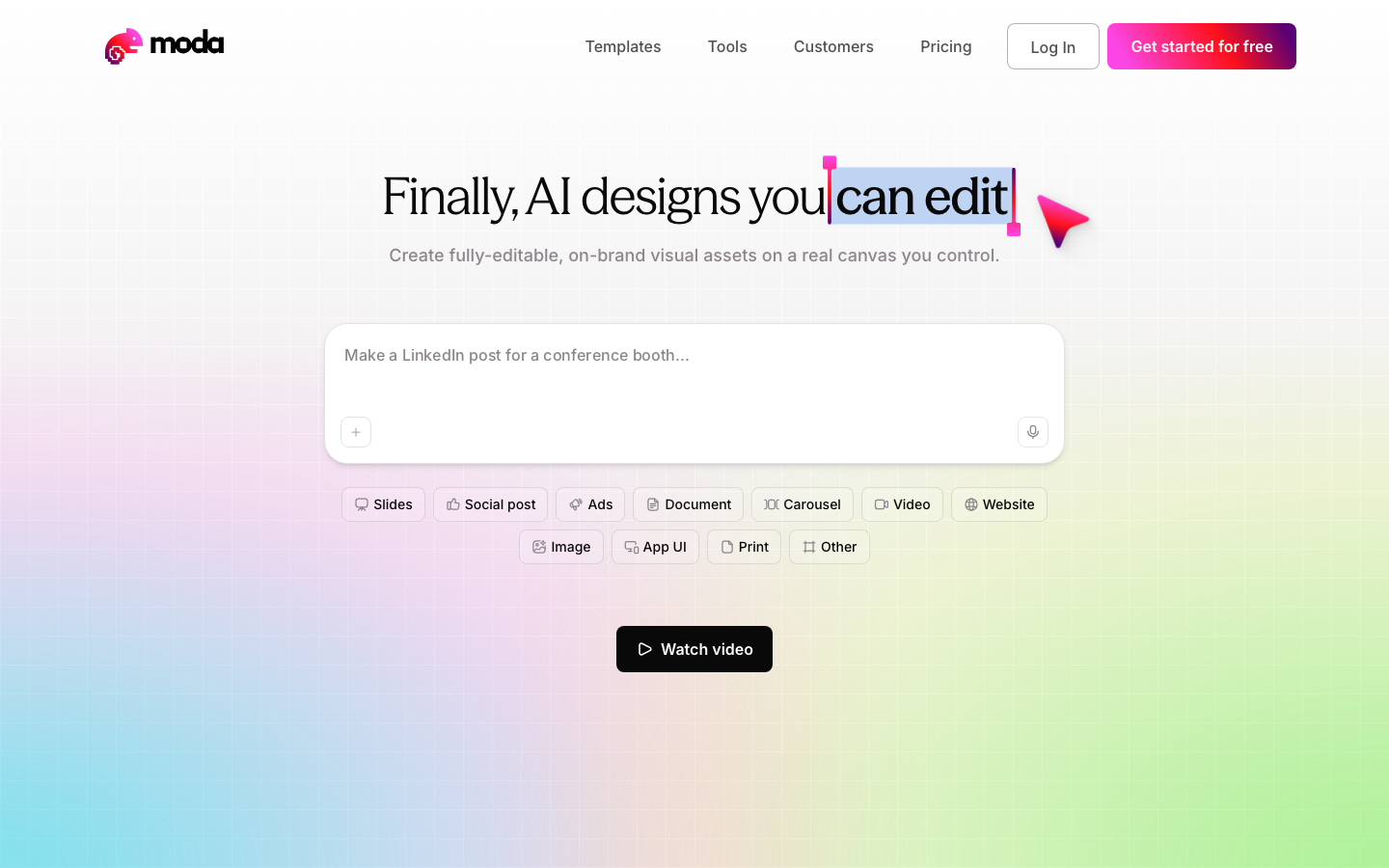
The pitch on their own homepage is "AI designs you can edit", on a real canvas rather than a flat image, which is the same objection to template-filling that we have. Slides, social posts, ads, documents, carousels, websites, app UI.
Free is 500 AI credits per seat per month, up to ten members,
standard and lite design models, slide decks up to ten slides,
websites published on a moda.page subdomain, real-time
collaboration, and API and MCP access with up to three concurrent
tasks.
The catch on free is the watermark. Watermark-free export is listed as a Pro feature, so free exports carry one.
Pro is $30 per user per month billed monthly: 6,000 credits a seat, the Pro design model, no page limits, watermark-free export, up to three brand kits, custom domains, pooled credits. Ultra is $100 for 20,000 credits. Annual billing saves 17%.
If the monthly refresh matters more to you than the watermark, their free plan is the better one. If you need to ship the output, the watermark is the thing to check first.
4. Gamma
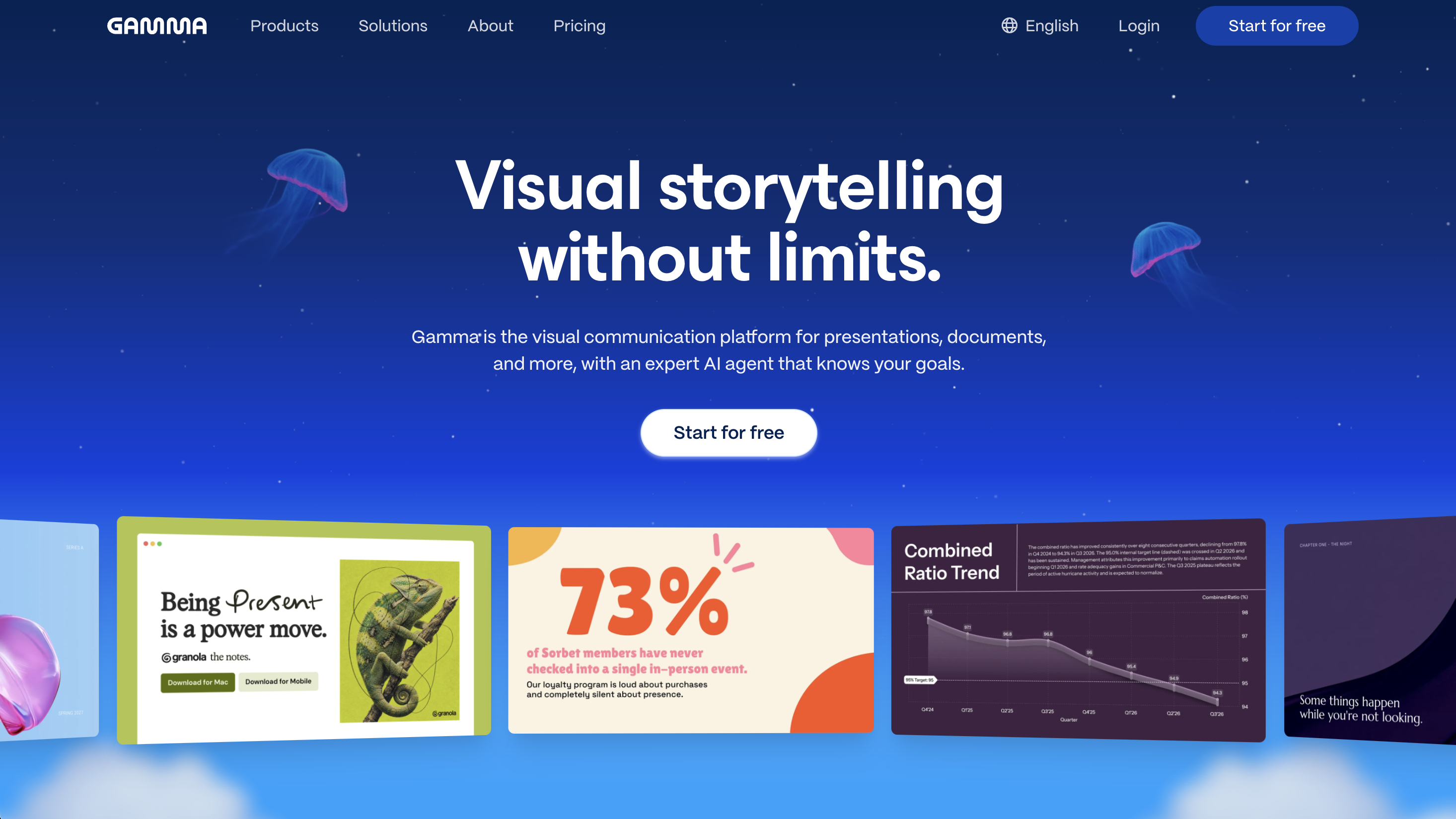
Decks from a prompt. You describe a presentation, it writes and designs it, and you edit from there. For anyone whose Canva use is mostly slides, this is a more direct tool than a general design editor, and narrower is often the right answer.
Free gives 400 credits at signup, up to 10 slides per prompt, and presentations, docs, websites, social posts and images. The part that matters more than the credit count: it imports from PDF and PPTX and exports to PDF, PPTX, PNG and Google Slides. If your decks have to survive being emailed to someone who opens them in PowerPoint, that is the feature to care about, and most AI design tools do not have it.
The free plan puts Gamma branding on what you make. Removing it is the headline feature of the first paid tier, which is US$9 a seat a month billed annually, and also raises you to 1,000 monthly credits and 100 slides per prompt. Pro is US$18 a seat a month billed annually for 4,000 credits, custom branding, analytics, ten custom domains and API access. Ultra is US$90 for 20,000 credits and their most advanced text, image and video models.
Those are the annual rates. Their page advertises saving up to 28% on annual billing, so monthly is higher, and prices are subject to tax where you are.
One thing worth noticing about the free plan: the 400 credits are granted at signup rather than monthly. Gamma and Hugogen draw that line in the same place.
5. Figma
A different category, included because a real share of people leaving Canva are leaving because they have outgrown it rather than because they want something simpler.
The free Starter tier gives unlimited drafts, UI kits and templates, and 150 AI credits a day up to 500 a month. That daily refill is a more usable shape than a monthly pool for anyone working in bursts.
Professional is $16 a month for a full seat, $12 for a dev seat and $3 for a collab seat, and the full seat includes 3,000 AI credits a month. Organization is $55, $25 and $5 respectively, billed annually.
The seat model is the thing to understand. A team does not buy one price; it buys a mix, and most people on a design team do not need a full seat. That makes Figma cheaper than it looks for a team of mostly reviewers, and more expensive than it looks for a team of mostly designers.
It is also the steepest learning curve here by a distance. Nobody makes a birthday flyer in Figma on a Tuesday evening.
By use case
| What you are doing | Start with | Why |
|---|---|---|
| Social posts from templates, fast | Canva | The library is the product, and it is free |
| A whole draft made from a brief | Hugogen or Moda | Both compose pages rather than filling templates |
| Posts and the video to go with them | Hugogen | One project file, timeline on the same canvas |
| Client work on a free plan | Canva or Figma | Hugogen Free carries no commercial-use licence; Moda Free carries a watermark |
| Decks, mostly | Gamma | A narrower tool, and narrow is the point |
| Interfaces, prototypes, design systems | Figma | Nothing else here is trying to do this |
| A team of mostly reviewers | Figma | $3 collab seats change the arithmetic |
Which one is right for you
You want templates and speed. Canva. It is still the best at this and the free plan is genuinely free.
You want the first draft made for you, and you want to edit it. Hugogen or Moda. Moda's free plan refreshes monthly; ours exports without a watermark and includes real-time collaboration on Free. Try both, they both have free plans.
You need to make money from what you export, today, without paying. Canva Free or Figma Starter. Ours is not licensed for commercial use and theirs is watermarked.
Your Canva files are all decks. Gamma.
You have outgrown Canva rather than fallen out with it. Figma.
Common questions
Is there a genuinely free Canva alternative?
Several, with different catches. Figma Starter is free with unlimited drafts. Moda Free refreshes 500 AI credits a month but watermarks exports. Hugogen Free exports clean and includes collaboration, but the 500 credits are granted once and the plan carries no commercial-use licence. Read the catch, not the headline.
Which is cheapest for a small team?
It depends on what the team does, which is why there is no single answer here. For a team of three making content, Hugogen is $24 a month. Canva Business is US$250 a year per person. Moda Pro is $30 per user per month. Figma depends entirely on your seat mix, and a team of one designer and two reviewers is cheaper than it looks.
Can any of these replace Canva for presentations?
Gamma is built for exactly that. Moda and Hugogen both generate multi-page documents including decks. Figma has a slides product. All four will make a deck; only one of them is designed around decks.
When should you just stay on Canva?
When the library is why you are there, when your team already knows it, or when you need commercial rights on a free plan. Those are good reasons and none of the tools above changes them.
Prices, free-tier limits and plan names in this category change constantly. Everything here was read on 14 October 2026; check the linked pages before relying on a number.
Try it on your own footage
The Free plan needs no credit card. Bring a long video and see what comes back.